Realistic Lip Sync
Natural mouth movement synchronized with speech.
Make Photos Talk. Make Videos Speak.
Turn images and videos into realistic talking characters using AI-powered lip synchronization.
No software to install • HD output • Multiple languages
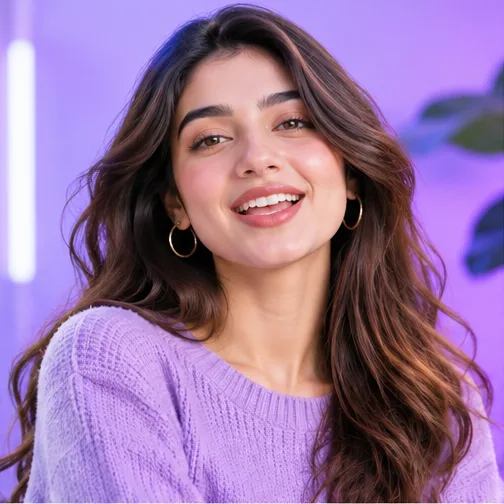



Built for creators, marketers and teams
Product capabilities, not usage statistics.
Three steps from a still portrait to a talking video. Press Generate to watch the workflow.
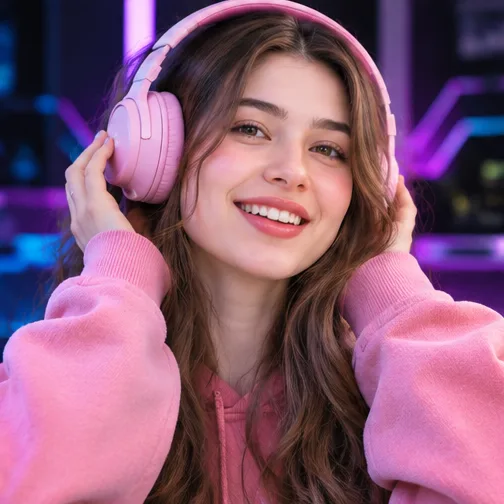 Face detected
Talking video
This is a pre-built example of the workflow — nothing is generated live on this page. Real generations run inside your AI Studio.
A focused toolkit for realistic, on-brand talking videos — no editing skills required.
Natural mouth movement synchronized with speech.
Create talking videos in different languages.
Upload your own voice recording.
Enter text and generate speech.
High-quality generated videos.
Optimized generation workflow.
Improve face and video quality.
Simple workflow with professional results.
Upload a portrait or video.
Upload audio or enter a script.
Our AI synchronizes the face with speech.
Preview and download your finished video.
One still portrait, one voice — and a natural-looking talking video comes out the other side.

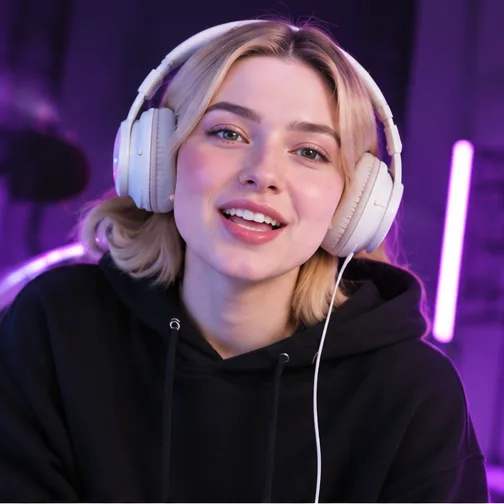
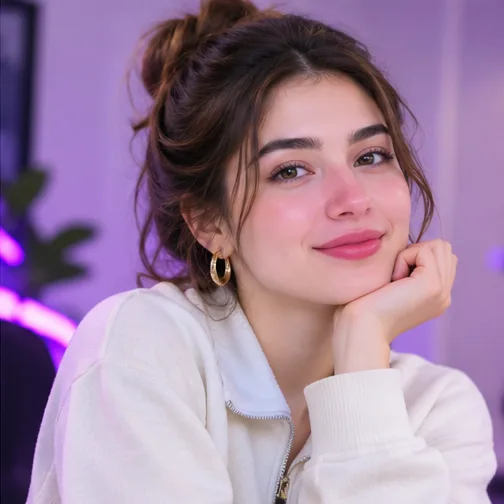
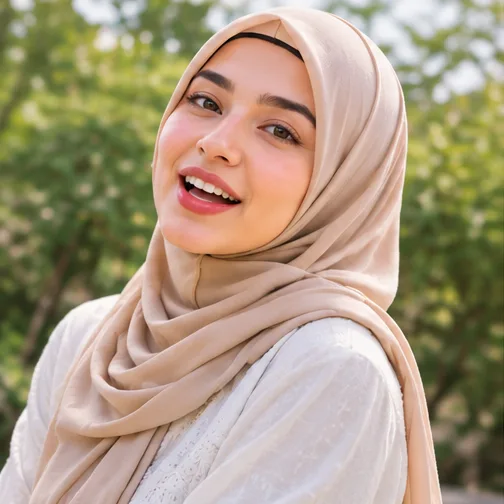
Example portraits styled for different formats and audiences.
No cameras, studios or editing timelines. Write a script, pick a face and voice, and publish a talking video the same afternoon.
Pick a plan to unlock your AI Studio. Upgrade, downgrade or cancel anytime.
For personal projects and first experiments
For creators publishing every week
For teams and high-volume production
No free plan or free credits — accounts are free to create, and your AI Studio unlocks once a payment is verified. Cancel anytime.
LipSyncAI is an AI lip-sync generator. Upload a portrait photo or a short video, add a voice recording or type a script, and our AI produces a talking video where the mouth movements match the speech.
No. Creating an account is free, but the AI Studio unlocks only after you subscribe to a paid plan. This keeps generation fast and high-quality for paying creators.
Portraits in JPG, PNG or WEBP (at least 256×256 px), videos in MP4 or MOV, and audio in MP3, WAV or M4A. A clear, front-facing face with good lighting gives the best results.
The studio currently offers English, Urdu, Hindi, Spanish, French, Arabic, German, Portuguese, Chinese and Japanese for text-to-speech, and uploaded audio can be in any language.
Each plan includes monthly credits. A video costs credits based on its length, quality and resolution — you always see the exact estimate before you generate. If a generation fails, the reserved credits are refunded automatically.
Pro and Ultra plans include commercial usage rights for videos you create, provided you own or have permission to use the face and voice in them.
Create your first AI lip-sync video with LipSyncAI.
Get Started Choose a plan and unlock your AI Studio.
